AHMADI HOSPITALRADIOLOGY DIVISION
INTERACTIVE EXPERIENCE
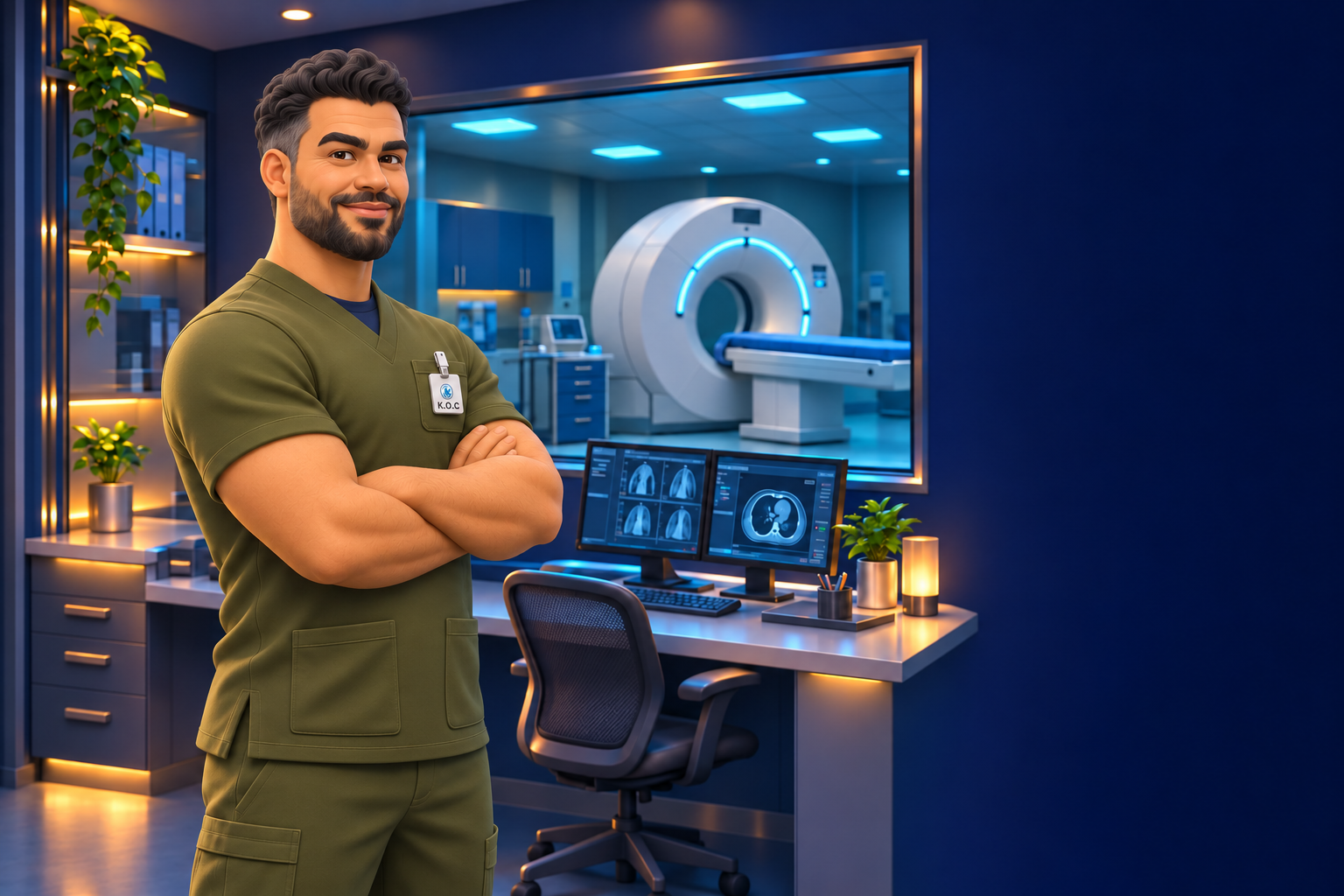
Your technologist in olive scrubs
DESKTOP EDITIONEXPLORE · MEET · DECIDEMOBILE EDITIONEXPLORE · MEET · DECIDE
02 AHMADI RADIOLOGY · LEARNING SERIES
MEDICAL SYSTEM BREAKDOWN WORKFLOW

BACK TOSERVICE.

From the first error to the next patient.
Step into CT2. Meet your colleague and choose the decisions that bring equipment safely back to service.

FIRST RESPONSE / ESCALATION / SAFE RETURN
360° look aroundCT2 control room15 decisions
Medical Equipment TeamRadiology Division · Ahmadi Hospital

YOUR CT2 MISSION

Explore. Meet. Decide.

Hold the joystick forward or backward to walk. Release to stop. Move it sideways to walk left or right. Drag the view to turn. At CT2, select Use access card to enter the control room. Select your colleague to begin the conversation. Other room doors remain closed.

Drag left or right to look around your character. The character remains oriented in the room as your viewpoint turns. Use the joystick to move, then use the access card at CT2.

Computer: Hold W/S or up/down arrows to walk; A/D or left/right arrows move sideways. Release to stop. Drag to look around. E activates the room action. Escape pauses.

Choose the correct answer to continue each conversation. Wrong answers give feedback and let you retry. Your score counts correct first attempts.

Approved corridor artwork detail
MISSION COMPLETE

BACK TO
SERVICE.

You completed the CT2 conversation.

Stop safely. Document the error. Follow the escalation route. Verify and release before the next patient.